
// private AI for iPhone, iPad & Mac
Pay once.
Keep it forever.
On your device.
No data center.
Mortise is an AI assistant that runs on your iPhone, iPad, and Mac — on the device itself, not in the cloud. One purchase covers all three, every update is included, and there’s no subscription and no account.
On Apple silicon Macs the iPad version runs today — a native Mac app is on the way, under the same purchase.
// the old-school deal
Buy it once. It’s yours.
The way software used to work. Pay once on the App Store and Mortise is yours on iPhone, iPad, and Mac, along with every update after — no subscription, no per-message fees, no account.
There’s no server of ours in the loop, so nothing you paid for can be switched off from our end. And with Family Sharing, up to six family members can use the same purchase.
See it on the App Store →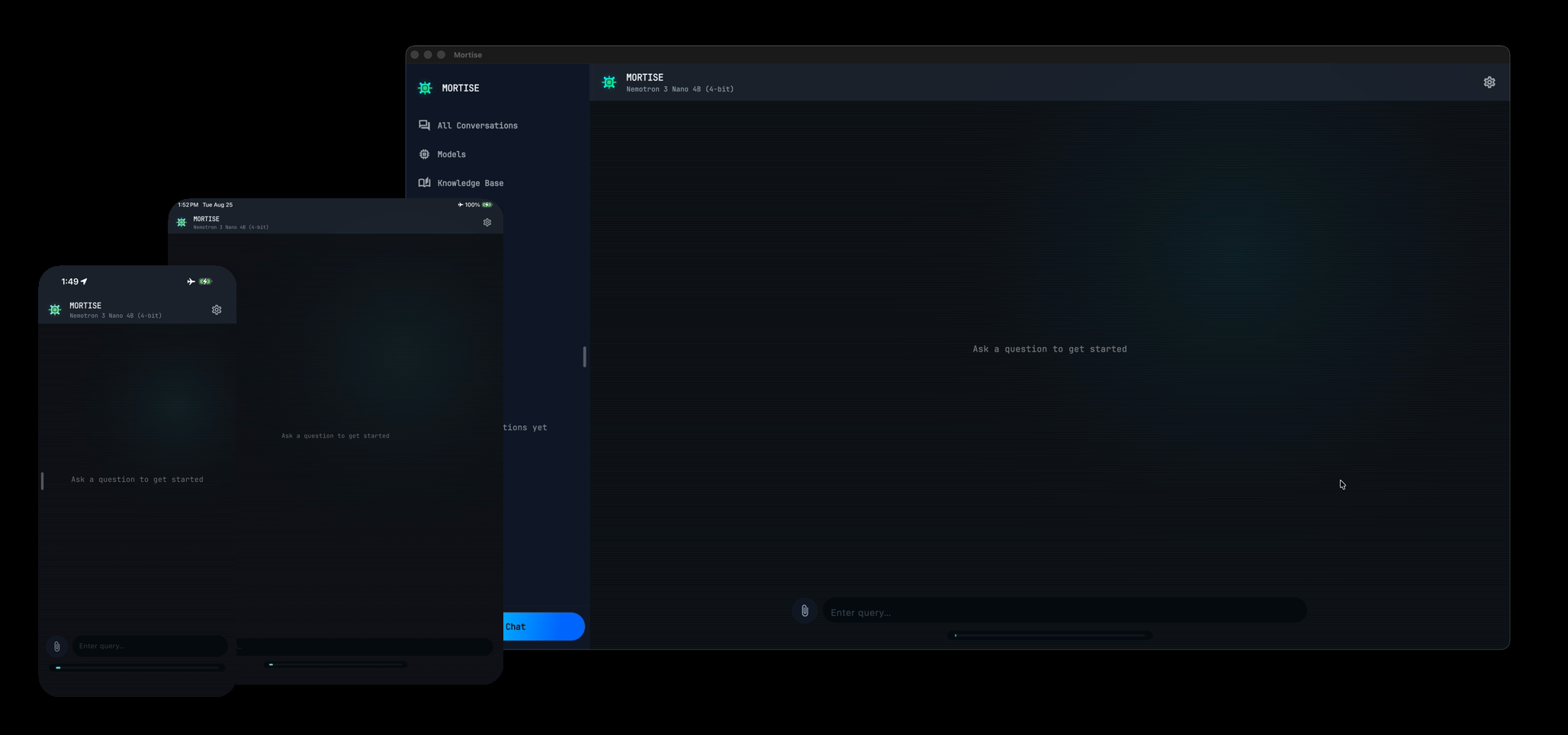
// one_purchase
- Payment
- once
- Subscription
- none
- iPhone & iPad
- included
- Mac*
- included
- Updates
- included
- Family Sharing
- up to 6 people
- Account
- none
- Message limits
- none
- Works offline
- yes
* On Apple silicon Macs the iPad version runs today; the native Mac app will arrive under the same purchase. Offline use starts once you’ve downloaded a model.
iPhone 17 Pro · airplane mode
// 100% on-device
The AI lives on your device.
Most AI apps are a window onto someone else's computer: every message travels to a data center, gets processed there, and is handled under that company's policy. Mortise puts the AI model itself on your iPhone, iPad, or Mac — no data center, no cloud, no server of ours. Private by physics, not by policy.
Mortise only goes online when you ask it to: to download a model, or, if you switch it on, to look something up on Wikipedia or Wikidata. In the clip the phone is in airplane mode with Wi-Fi off, and the answer still arrives.
Everything that can leave your device →$ inference --device=local --cloud=none
Most of what you ask AI doesn’t need a data center.
If you push the biggest cloud models to their limits, keep them for that. Drafting an email, rewriting a paragraph, summarizing a PDF, explaining something new — that fits on hardware you already own.
| Compared | Cloud AI subscription | Mortise |
|---|---|---|
| Where the AI runs | A company’s data center | Your iPhone, iPad, or Mac |
| How you pay | Every month you use it | Once |
| Who holds what you type | The provider, under its policy | Only you |
| Works offline | No | Yes, once a model is downloaded |
| Account | Required | None |
| Message limits | Set by your plan | None |
| Model size | The largest models available | Compact open models sized to your device |
Online lookups are optional and off by default. When they’re on, Wikipedia and Wikidata requests go to the Wikimedia Foundation — not a search engine. How online lookups work
iPhone 17 Pro
// ip_sovereignty
Your ideas stay yours.
Unreleased plans, client files, a manuscript, code under NDA, a letter to a landlord you would rather nobody else read. No provider ever holds a copy, so there is nothing to log, train on, leak in a breach, or hand over.
Your conversations, your documents, and everything the models write for you belong to you. None of it reaches us, so we hold none of it.
// encrypted at rest
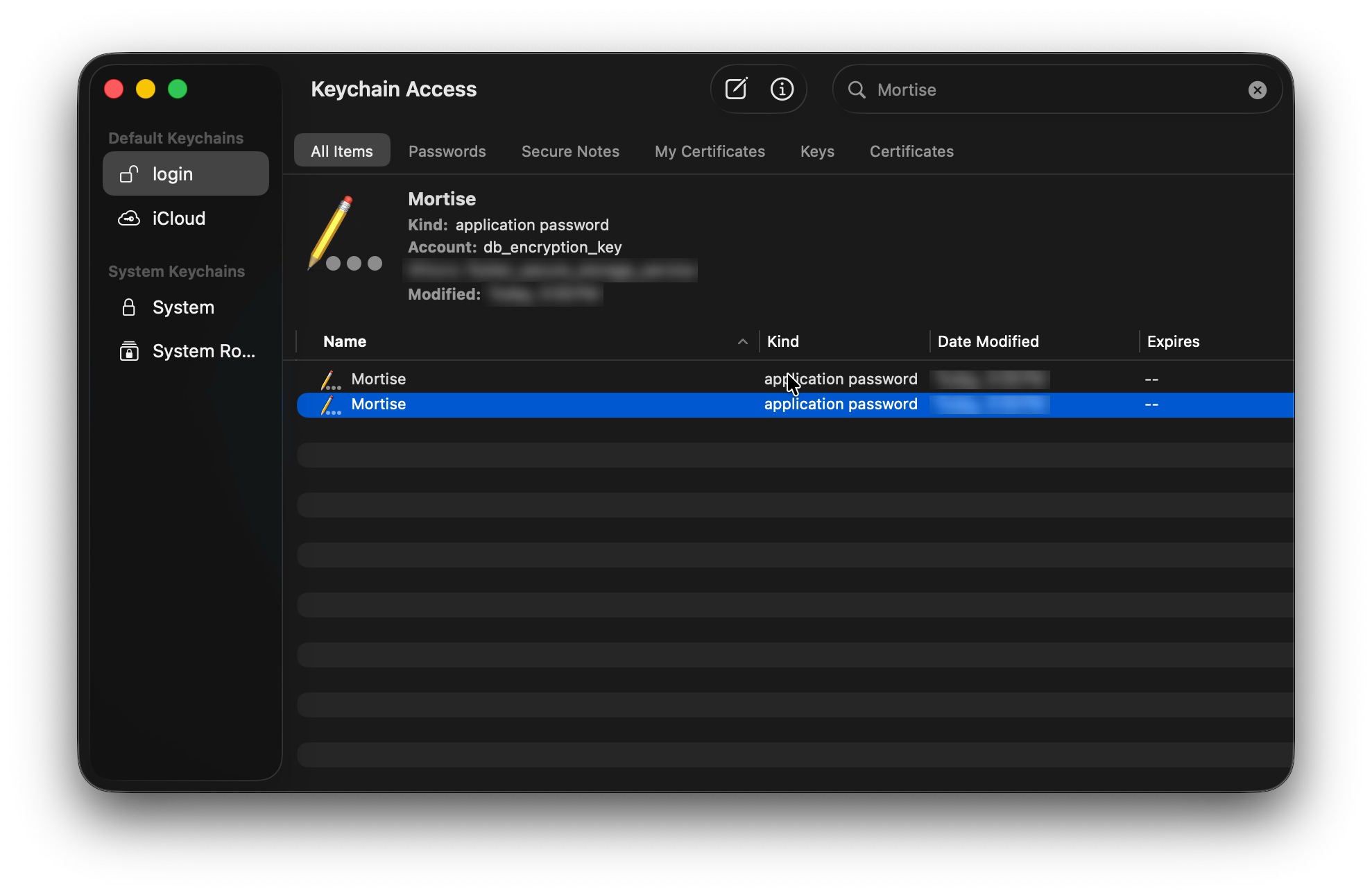
Encrypted on the device, and only your device holds the key.
Conversations, imported PDFs, and everything derived from them are encrypted where they sit — not just tucked behind a login. The key is generated on your device and kept locally in the Apple Keychain, so it never syncs anywhere. On iPhone and iPad, Apple's file protection keeps the files unreadable while the device is locked.
iPad Pro 11-inch, M5, 16GB RAM
// 12 curated models
A model catalog that fits your hardware.
Qwen, Llama, Phi, Gemma, Nemotron, SmolLM3 and more — open models, most licensed Apache 2.0 or MIT. Pick one and it downloads onto your own device, where you can run it as much as you like: nothing metered, nothing rented, no server in the loop. Each entry lists how much memory it needs, so you know what fits your Mac, iPad, or iPhone.
Browse all models →iPad Pro 11-inch, M5, 16GB RAM
// your documents
Chat with your documents.
Attach a PDF, a Word document, or a PowerPoint deck — one file or several in the same chat — and ask about it. Mortise reads the files on the device, including tables, chart values, speaker notes, and scanned pages, so nothing is uploaded to be read.
// knowledge bases
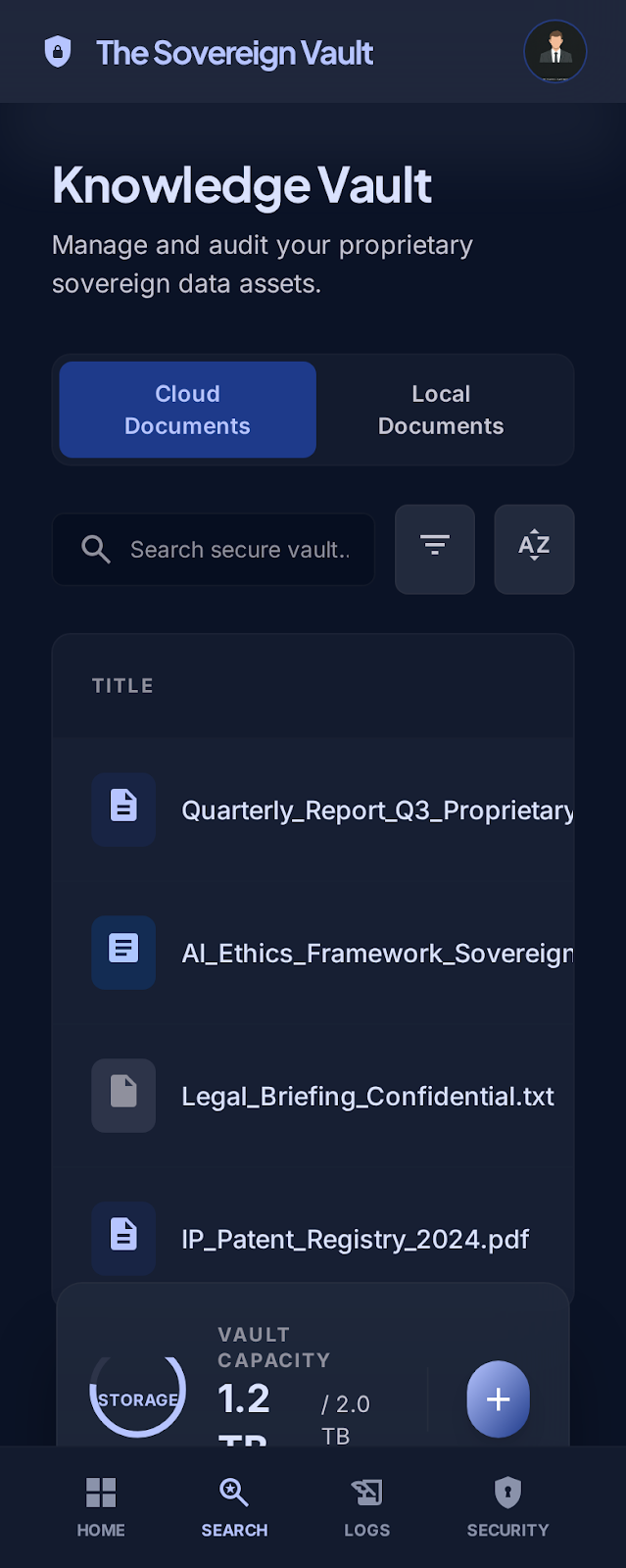
Group your documents into a searchable library.
A knowledge base is a named library you reuse across chats, so you are not re-attaching the same files every time. Attach one to a conversation and it is searched the same way as files you drop into the chat.
iPhone 17 Pro
// online lookups
Grounded answers, cited sources.
Online lookups are off until you switch them on. After that, capable models can check Wikipedia and Wikidata and cite the page. What a model looks up, and your IP, go to the Wikimedia Foundation.
How online lookups work →Mac mini, M4, 24GB RAM
// cross-model memory
Conversations that survive model swaps.
Start with a small, fast model and switch to a bigger one mid-conversation without losing the thread. Conversation memory is shared across every model in the catalog, so your context travels with you.
// straight_answers
Questions people ask first
Is there a subscription?
No. You pay once on the App Store, and that purchase covers iPhone, iPad, and Mac. Updates are included, and there are no per-message fees.
Does it work without the internet?
Yes. Once you’ve downloaded a model, Mortise works the same with or without a connection — on Wi-Fi, on cellular, or with no signal at all. It only goes online when you ask it to: to download a model, or — if you switch it on — to look something up on Wikipedia or Wikidata.
Can you see what I type?
No. There’s no account and no server of ours, so your conversations never reach us. The privacy policy lists exactly what can ever leave your device.
Is it as smart as the big cloud AI apps?
Not at their very best. The models are smaller so they fit on a phone or a laptop. They’re good at everyday writing, rewriting, summaries, and questions about your own documents; for the hardest problems, the largest cloud models are still ahead. A Mac with more memory runs bigger models.
Will it run on my device?
Mortise needs Apple silicon: an M-series Mac, or a recent iPhone or iPad on iOS 26 or later. The model catalog shows how much memory each model needs, so you can see what fits before you buy.
Can my family use it?
Yes. Mortise supports Family Sharing, so up to six family members can use a single purchase.
// buy_once
One purchase. iPhone, iPad, and Mac.
No subscription, no account, no cloud. Every update included.